Overview
Export Mixpanel cohorts to VWO to create custom segments that you can apply in your VWO experiments. Manage the VWO integration from the Mixpanel Destinations page. VWO also supports an integration to send experiment data to Mixpanel - for more details, see the VWO Mixpanel integration.Permissions
You must be a Mixpanel project admin to enable the VWO integration.Enable the Integration
To enable the integration:- Navigate to Data in the nav bar, then select Destinations.
- Click Add Destination, select VWO, and click Connect.
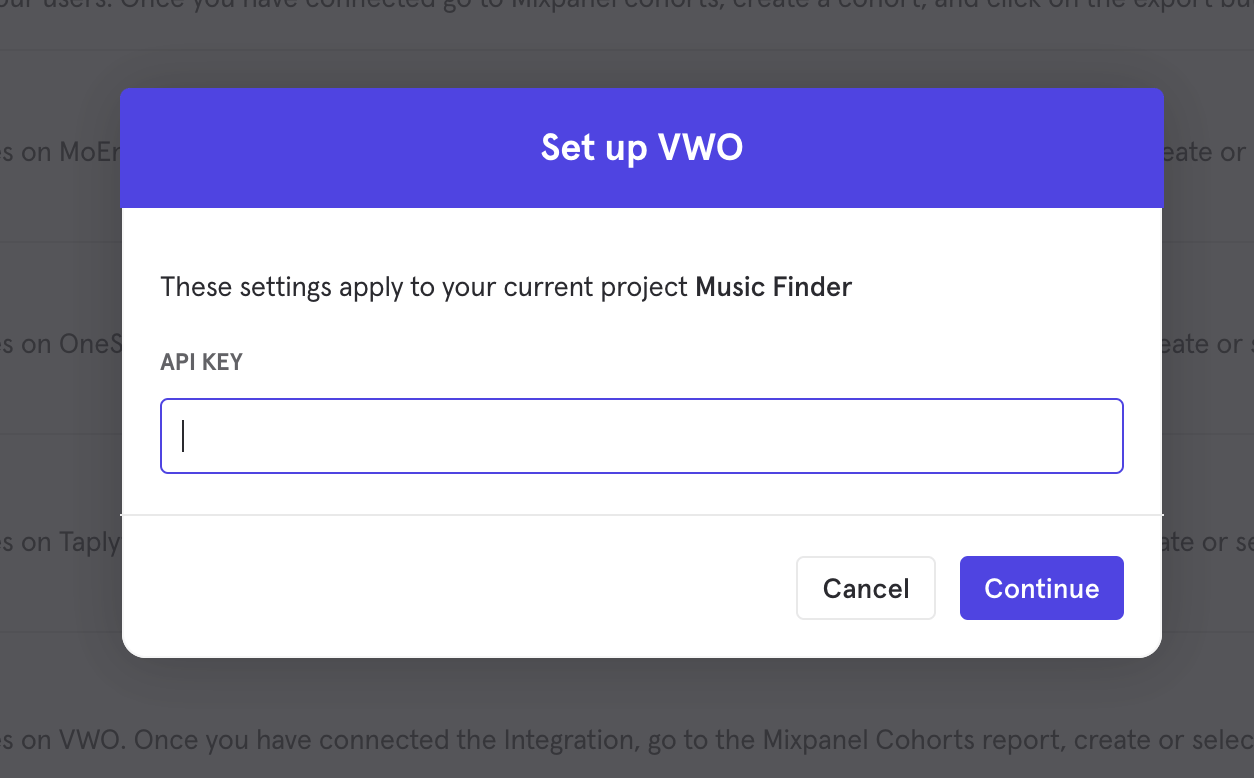
- The connection uses one credential to authorize, API Key. Supply an API token generated from your VWO settings page to establish the connection.
- The VWO integration will show a Connected tag in the UI once the connection establishes.
Matching Users between VWO and Mixpanel
Warning: Projects using the simplified ID merge system must have the $user_id in Mixpanel match the user identifier in the partner service. Using any alternative partner properties to match users between tools may result in partner events not being attributed to the correct user in Mixpanel. Any partner properties mentioned in the below section are primarily applicable to projects on the original ID merge system.
Mixpanel only exports identified user profiles with the user property $vwo_user_id to match to VWO - users without user profile properties (i.e. anonymous users) will not export. The value of this property should equal a matching User ID in VWO.
If you have the VWO SDK present in your application, it will automatically declare the $vwo_user_id property on users’ Mixpanel profiles. If the VWO SDK is not on your application, you can declare the user properties either through Mixpanel’s own SDKs or HTTP API. VWO will attempt to match users from inbound cohorts based on the value seen on $vwo_user_id.
In addition, when our ingestion service detects calls setting this user property, Mixpanel will also auto-alias the value of $vwo_user_id to the user’s distinct_id. This ensures that experiment data passed from VWO to Mixpanel still attributes to the correct user.
Export a Cohort
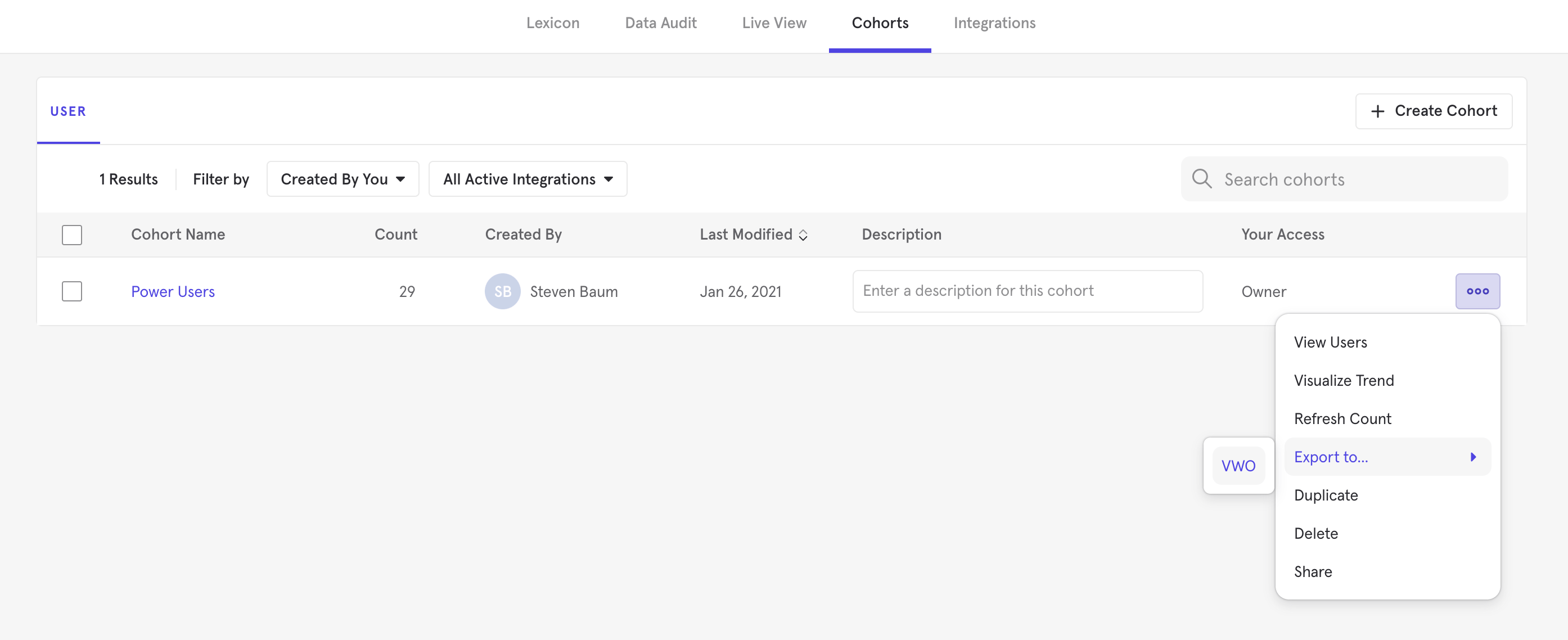
To export a Cohort to VWO:- From the Destinations page (recommended)
- From Lexicon
- Navigate to Data in the nav bar, then select Destinations.
- Find the VWO destination in the list and click on it.
- Click the Syncs tab, then click Add Cohort Sync.
- Select the cohort you want to export and configure the sync (one-time or dynamic). Click Start Sync. Do note: VWO has a 15MB export limit for profiles in the cohort.