Overview
Export Mixpanel cohorts to Taplytics to create custom segments that you can apply in your Taplytics experiments, feature flags, and more. Manage the Taplytics integration from the Mixpanel Destinations page. Taplytics also supports an integration to send experiment data to Mixpanel - for more details, see the Taplytics Mixpanel integration.Permissions
You must be a Mixpanel project admin to enable the Taplytics integration.Enable the Integration
To enable the integration with Taplytics:- Navigate to Data in the nav bar, then select Destinations.
- Click Add Destination, select Taplytics, and click Connect.
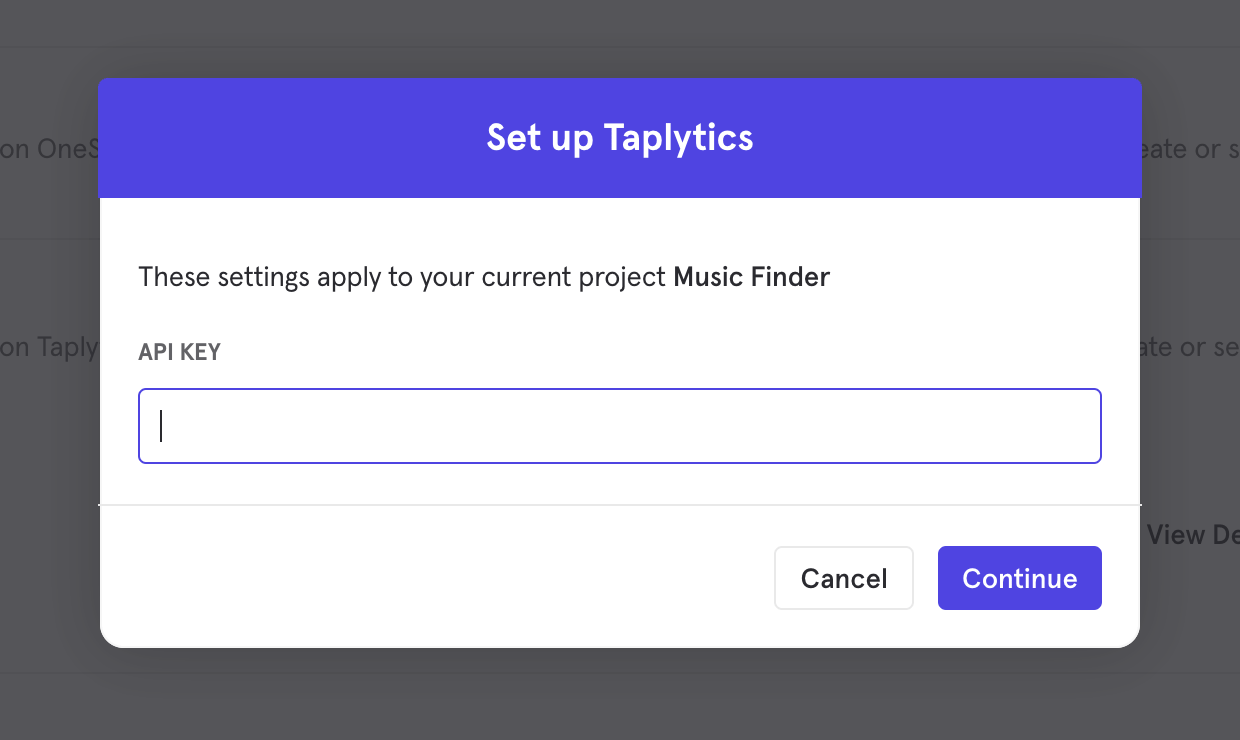
- The connection uses one credential to authorize, API Key. Supply an API token generated from your Taplytics settings page to establish the connection.
- The Taplytics integration will show a Connected tag in the UI once the connection establishes.
Matching Users between Taplytics and Mixpanel
Mixpanel only exports identified user profiles to match to Taplytics - users without user profile properties (i.e. anonymous users) will not export. The integration requires that you use the same system of identifiers for both tools, meaning the value you pass tomixpanel.identify("internal_user_id") will have the same value as you pass to Taplytics when specifying userId to your Taplytics API calls. Taplytics will attempt to match users from inbound cohorts based on their Mixpanel distinct_id.
Export a Cohort
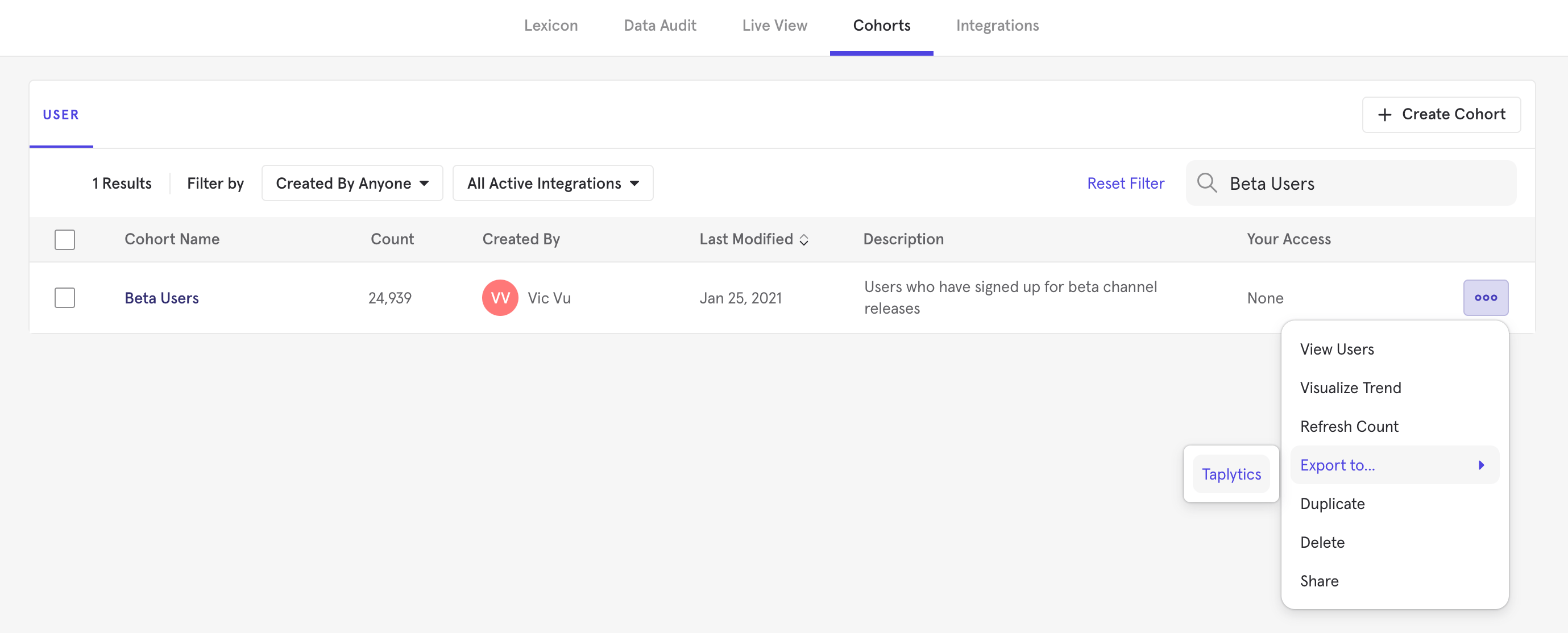
To export a Cohort to Taplytics:- From the Destinations page (recommended)
- From Lexicon
- Navigate to Data in the nav bar, then select Destinations.
- Find the Taplytics destination in the list and click on it.
- Click the Syncs tab, then click Add Cohort Sync.
- Select the cohort you want to export and configure the sync (one-time or dynamic). Click Start Sync.
Sync Types
This integration supports two types of exports: one-time export and dynamic sync. When you generate a one-time export or dynamic sync, it overwrites the previous export with an updated export that reflects users who qualify for the cohort at the time of export.One-Time Export
In a one-time export, Mixpanel sends Taplytics a static export of users who currently qualify for the cohort. The cohort data will not be updated in Taplytics after a one-time export.Dynamic Sync
In dynamic sync, Mixpanel initiates sync between a cohort and Taplytics every two hours. The exported cohort will be updated every day to reflect the most recent list of users in a cohort.Select the Segment in Taplytics
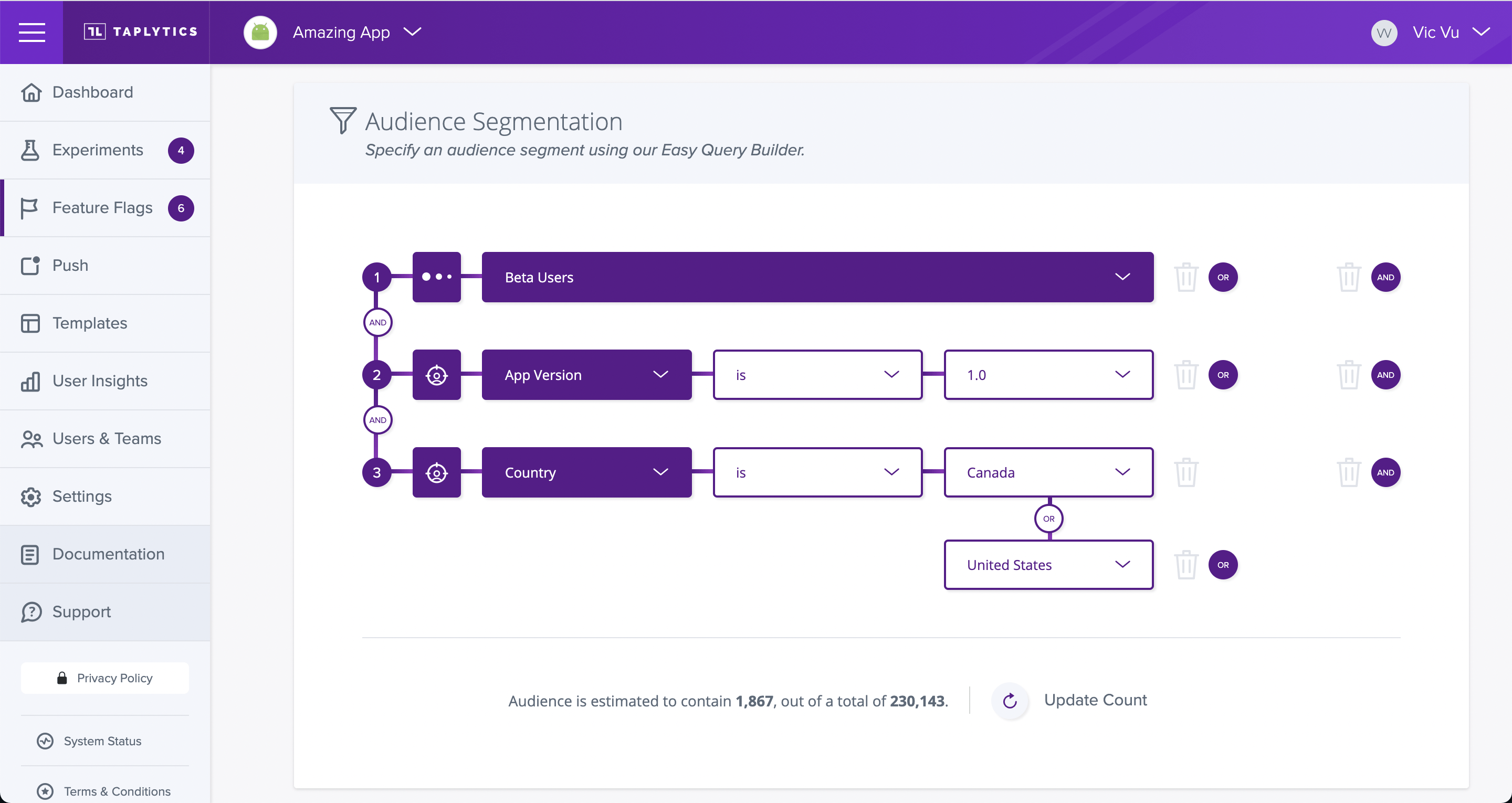
Once the export completes, you will see a Segment reflecting the set of users from your Mixpanel cohort in Taplytics’s Segment editor, as custom data (e.g. “Beta Users”):