Overview
Export Mixpanel cohorts to Insider to create custom segments that you can apply in your Insider campaigns. Manage the Insider integration from the Mixpanel Destinations page.Permissions
You must be a Mixpanel project admin to enable the Insider integration.Enable the Integration
- Navigate to Data in the nav bar, then select Destinations.
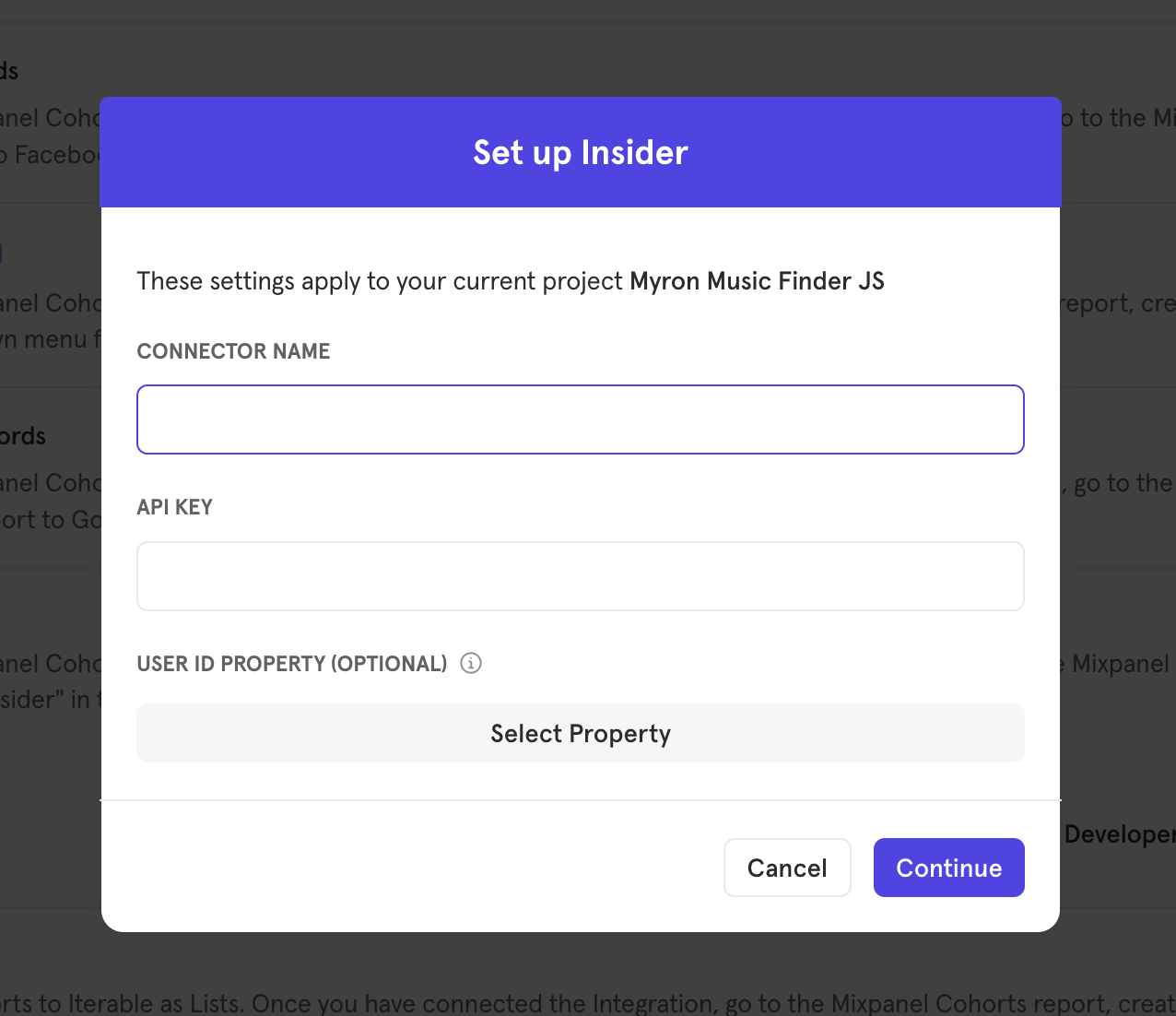
- Click Add Destination, select Insider, and click Connect.
If you set a User ID Property, it should be a Mixpanel user property that matches the email or phone number set in Insider.
- The Insider integration will show a Connected tag in the UI once the connection succeeds.
Matching Users between Insider and Mixpanel
Mixpanel only exports identified user profiles to match to Insider - users without user profile properties (i.e. anonymous users) will not export. Insider will use either the user’s email (set via the$email user property) or phone number (set via the $phone user property) to match the Mixpanel user profile to Insider. As a result, not all exported profiles may match if these values are missing or differ from the emails and phone numbers stored on Insider.
Note that exports are used solely for matching user identities between products - the integration will not send the full set of a user’s profile properties to Insider, nor will it generate new users in Insider.
Export a Cohort
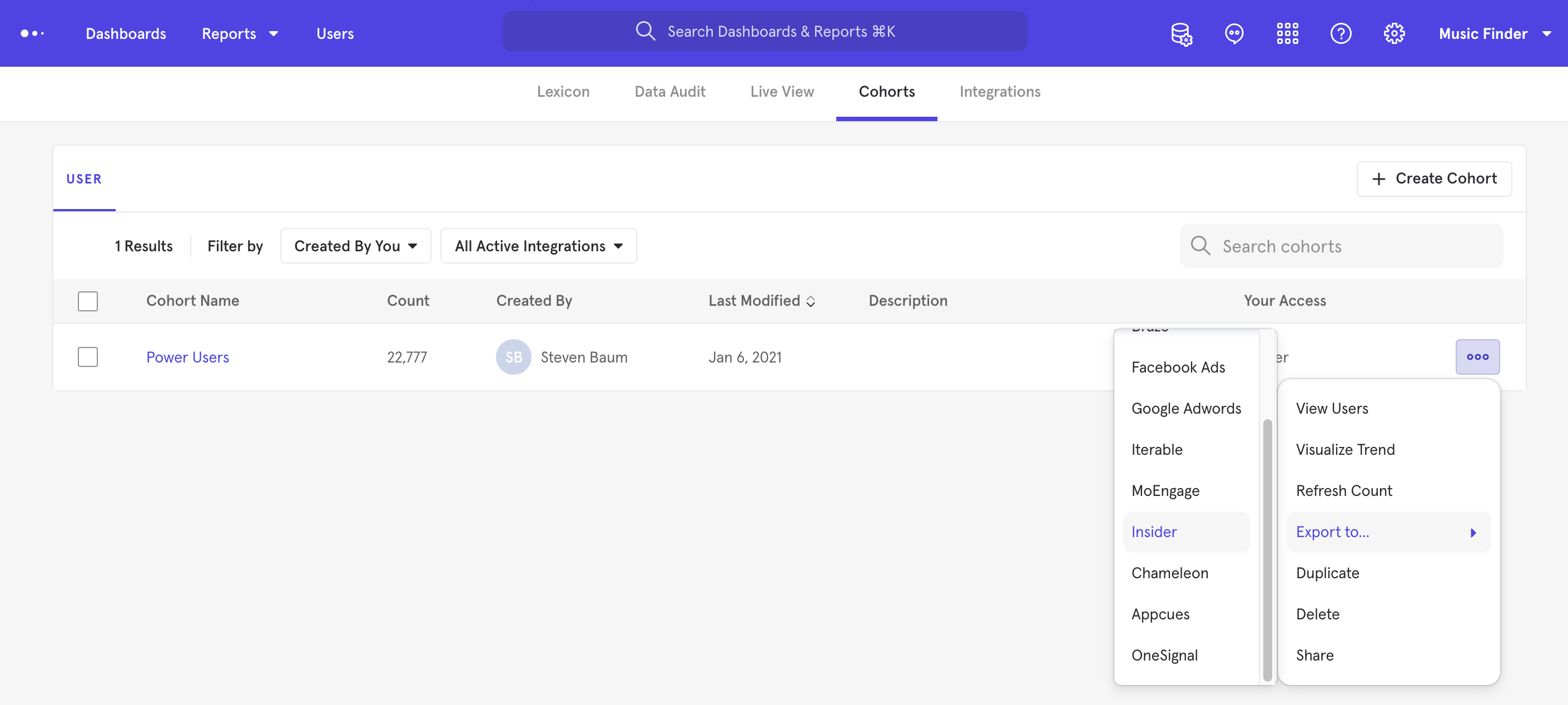
- From the Destinations page (recommended)
- From Lexicon
- Navigate to Data in the nav bar, then select Destinations.
- Find the Insider destination in the list and click on it.
- Click the Syncs tab, then click Add Cohort Sync.
- Select the cohort you want to export and configure the sync (one-time or dynamic). Click Start Sync.
Sync Types
This integration supports two types of exports: one-time export and dynamic sync. When you generate a one-time export or dynamic sync, it overwrites the previous export with an updated export that reflects users who qualify for the cohort at the time of export.One-Time Export
In a one-time export, Mixpanel sends Insider a static export of users who currently qualify for the cohort. The cohort data will not be updated in Insider after a one-time export.Dynamic Sync
In dynamic sync, Mixpanel initiates sync between a cohort and Insider every 15 minutes. The exported cohort will be updated every 15 minutes to reflect the most recent list of users in a cohort.Select the Custom Segment in Insider
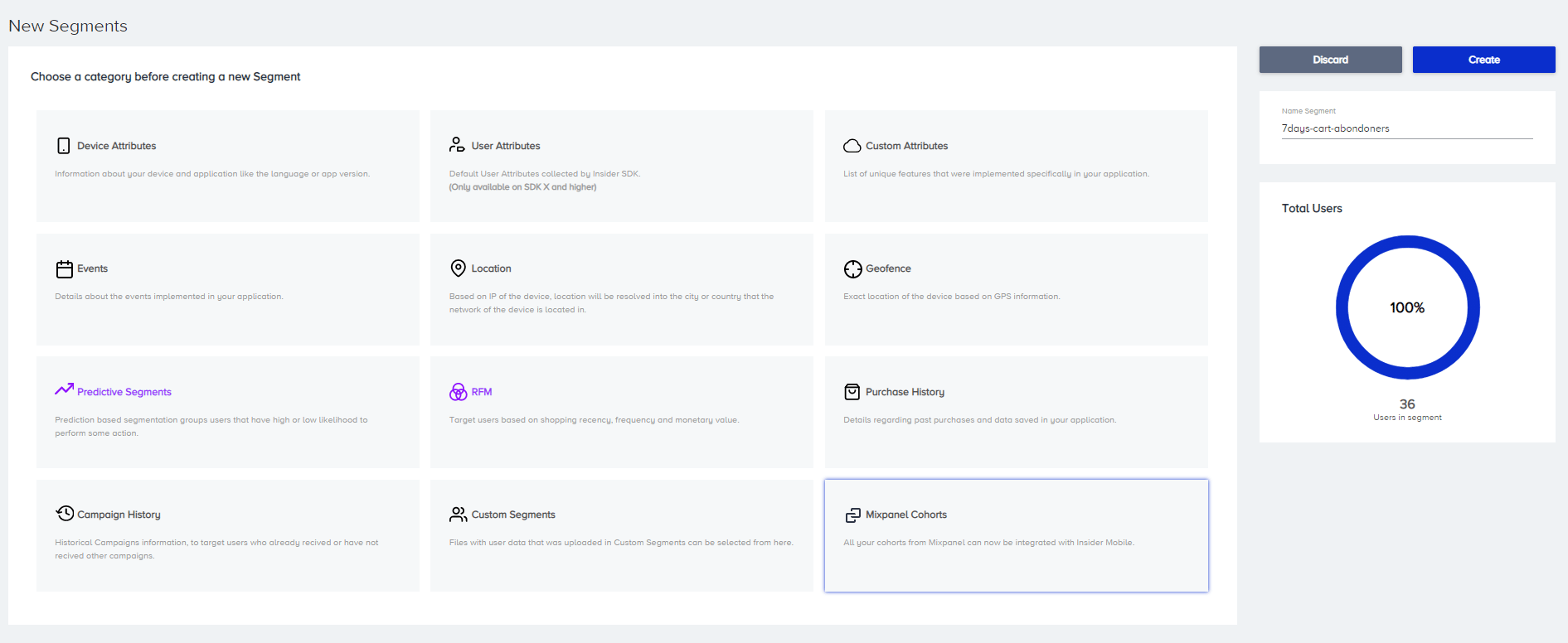
Once the export completes, you will see a custom segment reflecting the set of users from your Mixpanel cohort. (e.g. “7days-cart-abandoners”)